
3. Installation
From the About page
-
Log in to the web UI at
https://<your-bng>:8443/with an admin account. -
Navigate to About in the left nav.
-
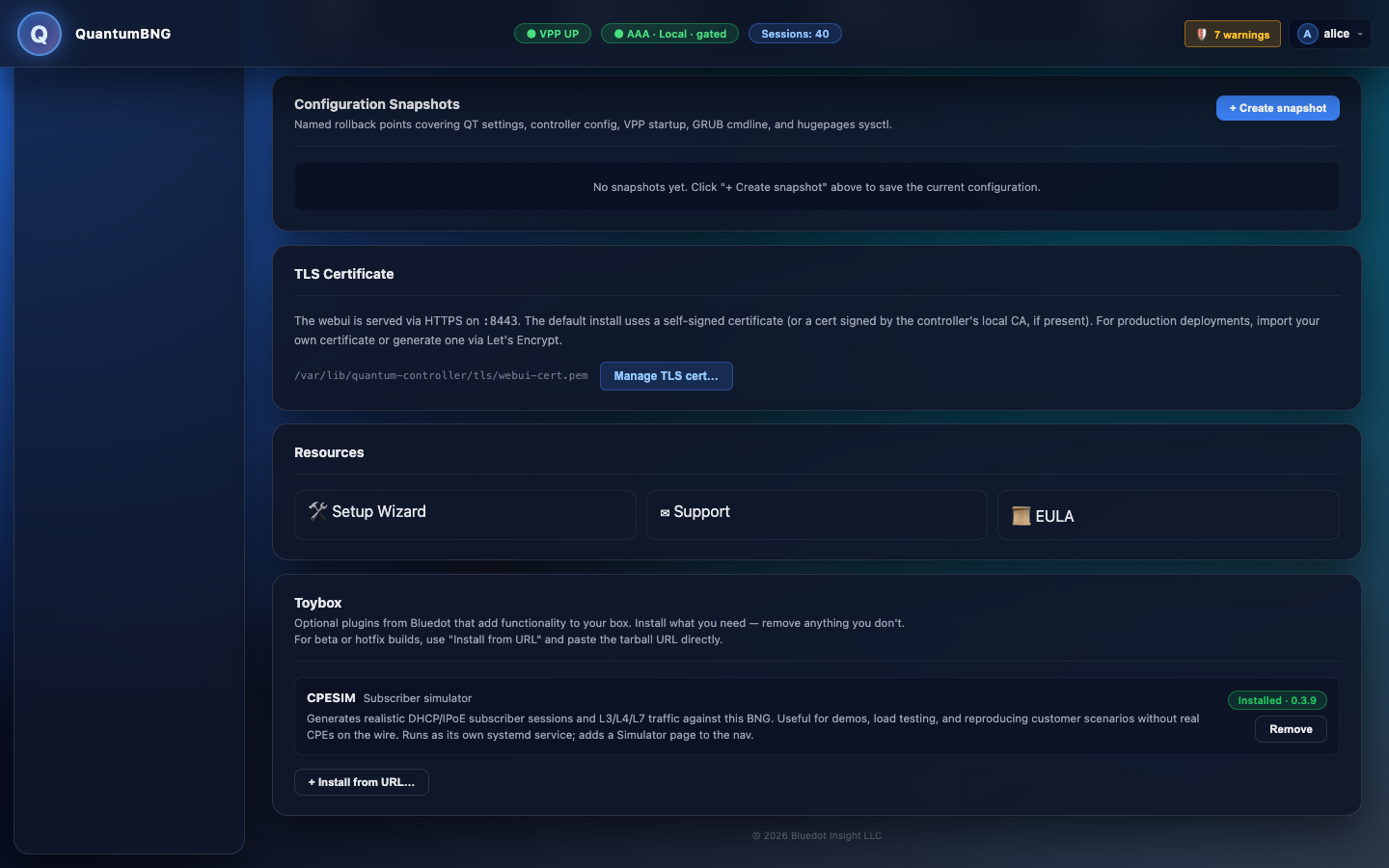
In the Toybox section, find the CPESIM card. When the plugin isn't installed the card shows a Not installed pill and an Install button.
-
Click Install.
The button changes to Installing…. The install fetches the tarball, verifies its published SHA-256 checksum, unpacks it to
/opt/bng-demo/, and starts thebng-demo.servicesystemd unit. Typical duration: 20–60 seconds depending on your GitHub download speed. -
When the install completes, the page refreshes and the CPESIM card shows an Installed pill with the version number:
-
A new Simulator entry appears in the left nav under its own group.
From the command line (advanced)
For air-gapped labs, staged rollouts, or scripted deploys, install directly through the module API:
sudo /opt/bng-deploy/venv/bin/python -c "
from quantumtouch_bng.helpers.cpesim_module import CpesimModule
r = CpesimModule().install({})
print(r.ok, r.detail)
"
Pass a url parameter to override the default download source (e.g. an internal mirror):
CpesimModule().install({"url": "https://your-mirror/cpesim_v0.3.9.tar.gz"})The mirror must also serve <url>.sha256 with the matching checksum.