
Step 1 — Install the pack on the BNG
The pack is a Toybox plugin. Installing it stages dashboard files on the box
as data — nothing runs, no service is created, no script executes. The BNG
then serves those files back out over its own authenticated API, which is what
lets an air-gapped Grafana get the dashboards without any internet access of
its own.
In the console, go to About → Toybox, find Grafana dashboard pack, and
click Install.
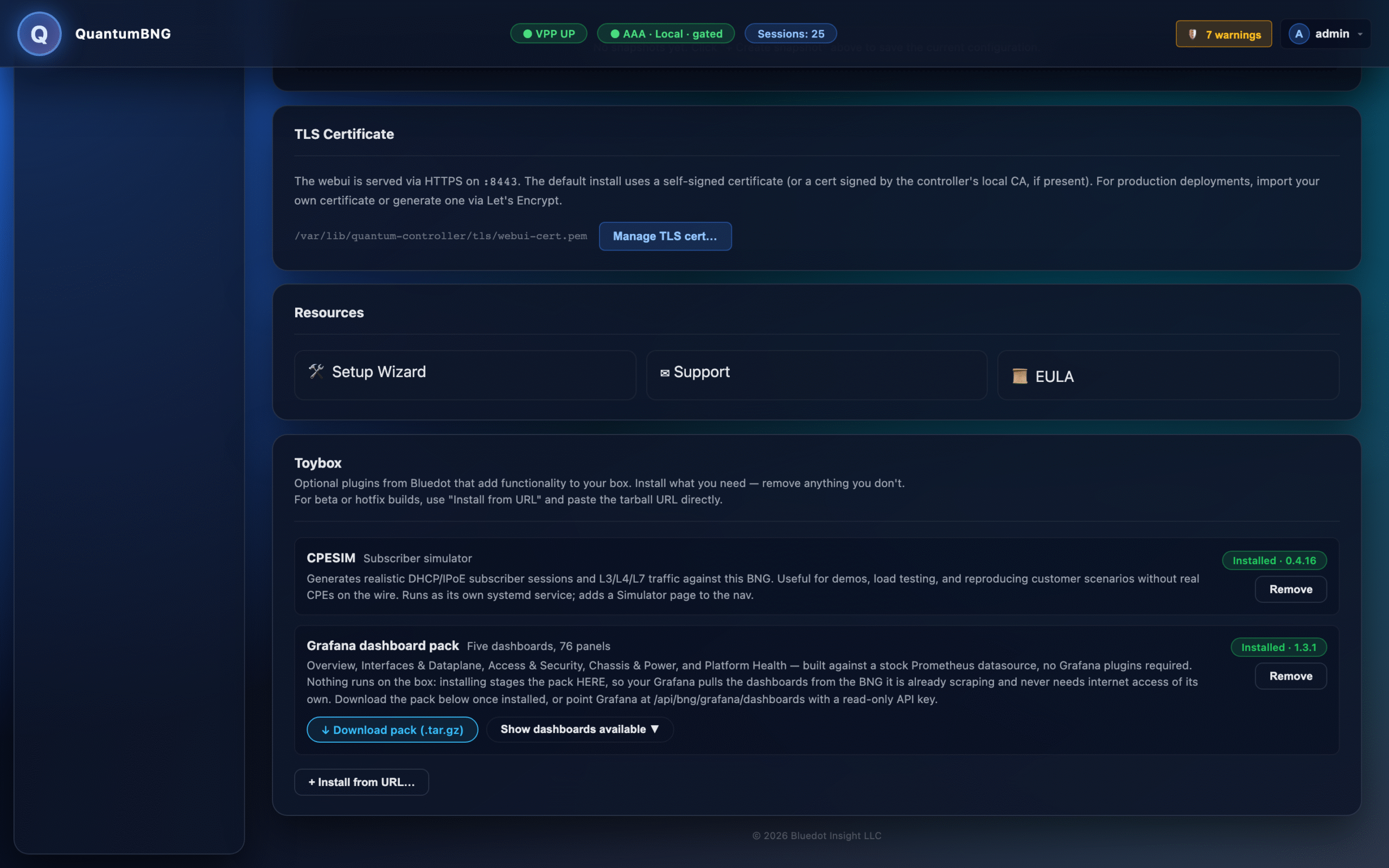
The box downloads the current pack, verifies it against its published SHA-256
checksum before extracting anything, and stages it. A tarball whose bytes do
not match is refused outright and the box is left exactly as it was.
If the BNG has no outbound internet access, mirror the pack instead.
On a machine that does have access, download both
bng-grafana-pack.tar.gzandbng-grafana-pack.tar.gz.sha256from
the pack release page, host them anywhere the BNG can reach over
HTTP(S) keeping their names side by side — the checksum URL is derived by
appending.sha256to the tarball URL — then use Toybox's Install from
URL with your mirrored tarball URL. The same checksum verification applies.