
6. Verify a subscriber onboards
Plug a real DHCP client into the subscriber-facing port (a laptop, another test router). Watch the Sessions panel:
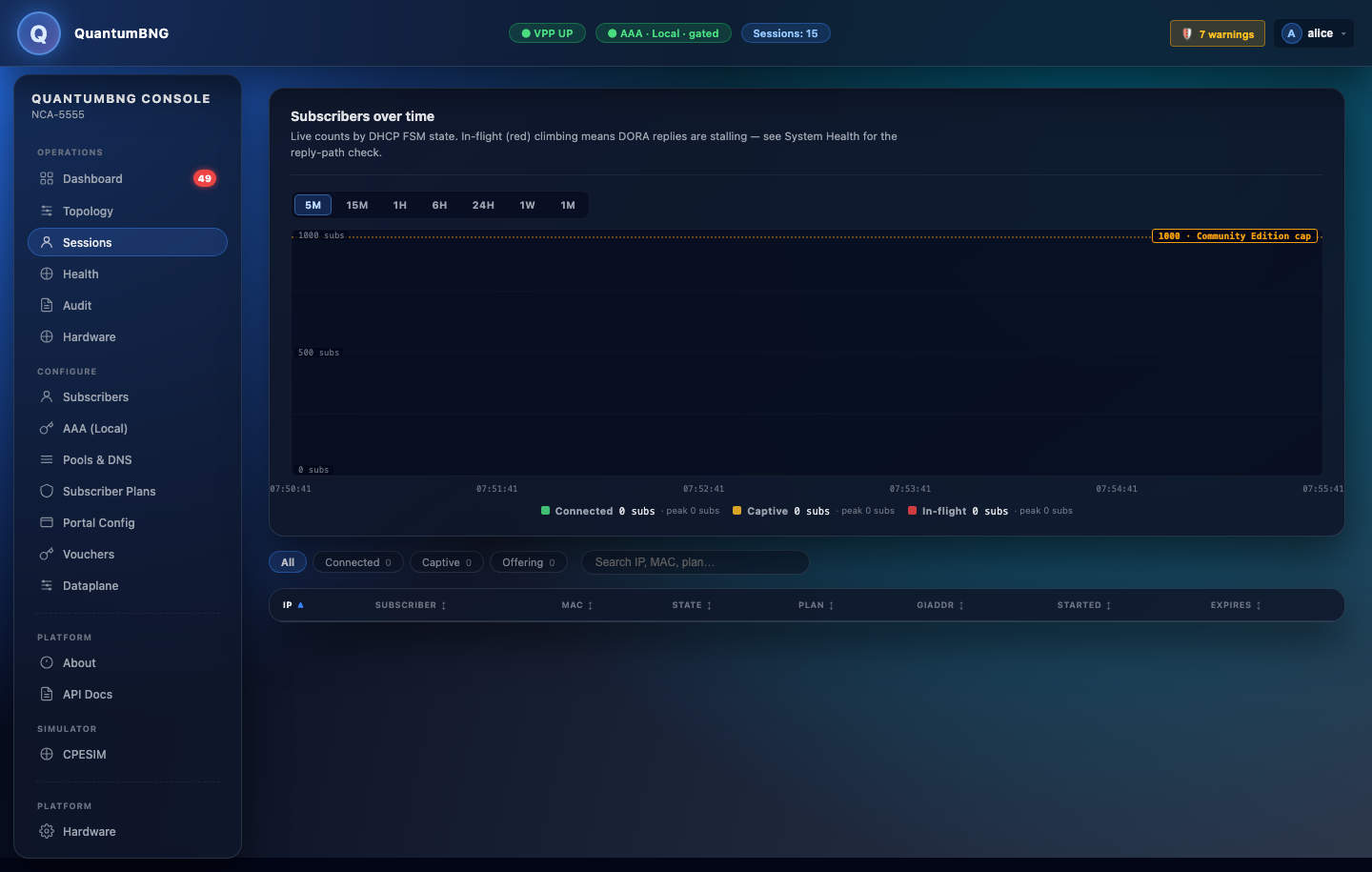
Within a few seconds you should see a new row: framed IP, MAC, plan, session state CONNECTED. If you see it, DHCP → AAA → session install is end-to-end working. Ship the box.
If the client gets no IP:
| Check | Command |
|---|---|
| Was the DISCOVER received? | sudo vppctl show int host-<access-interface> — RX packets should climb. |
| Did the controller see it? | sudo journalctl -u quantum-controller -f — look for onDiscover. |
| Is the punt socket alive? | sudo vppctl show errors — ip4-udp-punt-socket Socket TX errors mean vpp-bridge lost the socket; sudo systemctl restart vpp-bridge fixes it. |
| Is the pool exhausted? | Dashboard → DHCP pools panel. If bar is red, add capacity via Pools & DNS. |

More detail in the troubleshooting section of the user guide.