
7. Optional — install CPESIM for a demo without real subscribers
If you want to see the dashboard populated (traffic charts, session counts, QoS bands) without wiring real hardware, install the CPESIM plugin from the About → Toybox panel:
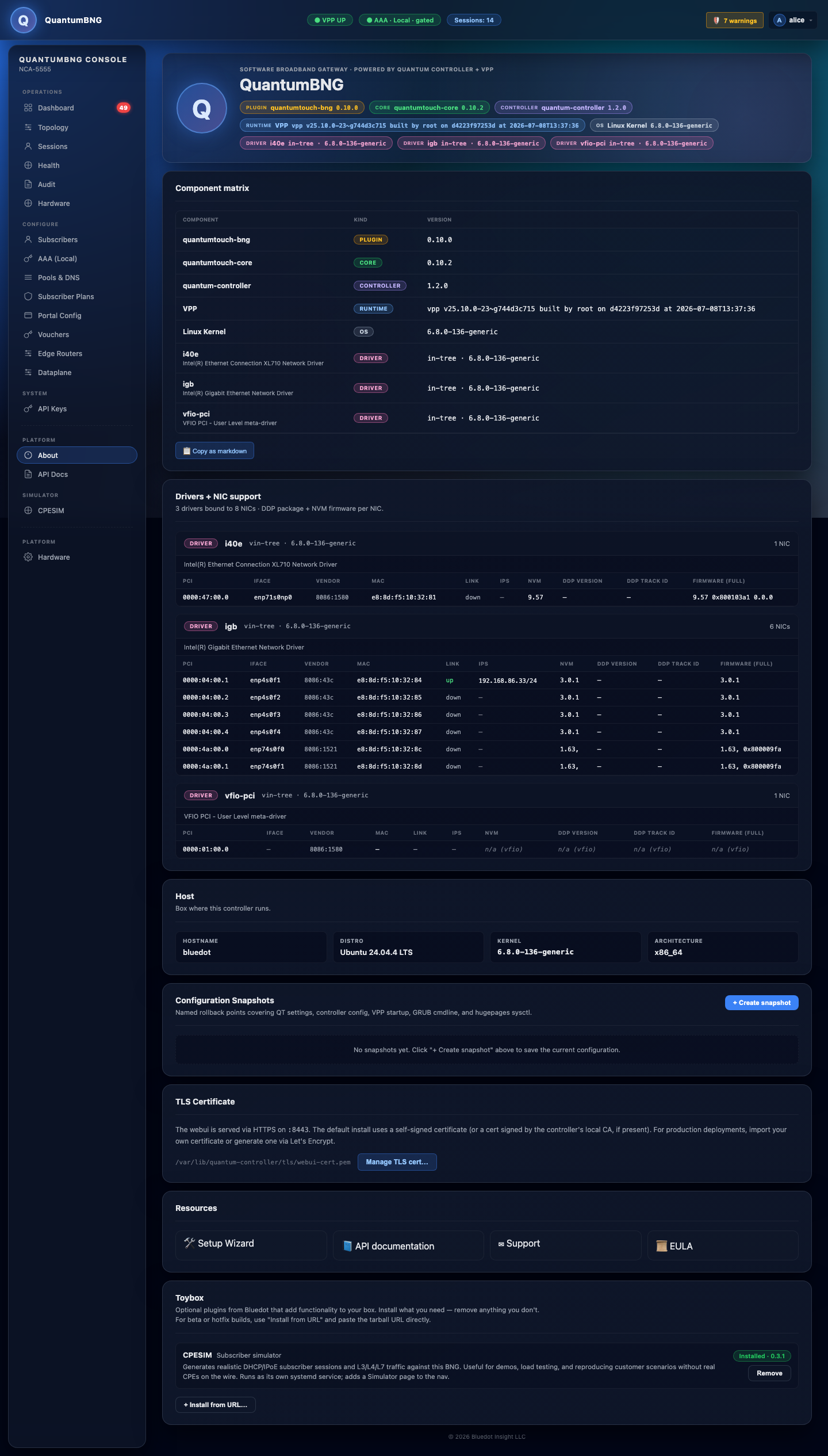
Click Install on the CPESIM row. The install takes ~30 seconds (downloads the tarball, verifies SHA, unpacks to /opt/bng-demo, registers the systemd unit).
Then go to CPESIM in the left nav:
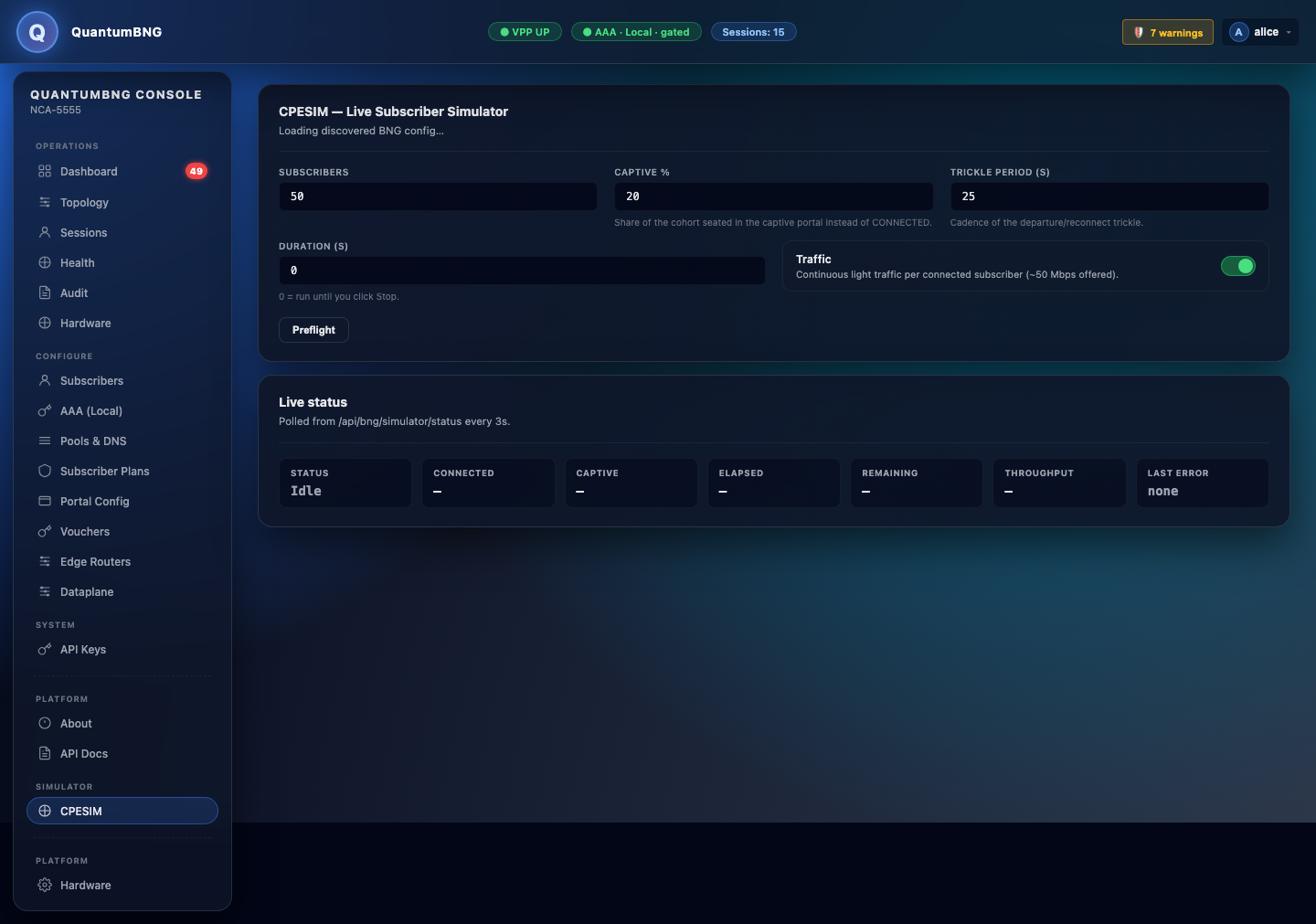
Click Start. Within ~60 seconds you'll have 50 simulated subscribers (10 in the captive portal) generating real DHCP + HTTP video traffic through your BNG. The dashboard's throughput chart and QoS bands will populate.
Click Stop when done. Click Reset simulator (admin-only button) if the engine ever gets stuck.