
Step 4 — Open the web UI
In your browser, open:
https://localhost:8443/The appliance ships with a self-signed TLS certificate for the eval environment. Your browser will warn about this — accept and proceed. On a real deployment you'd replace the certificate with a Let's Encrypt one; that's covered in the from-scratch install guide.
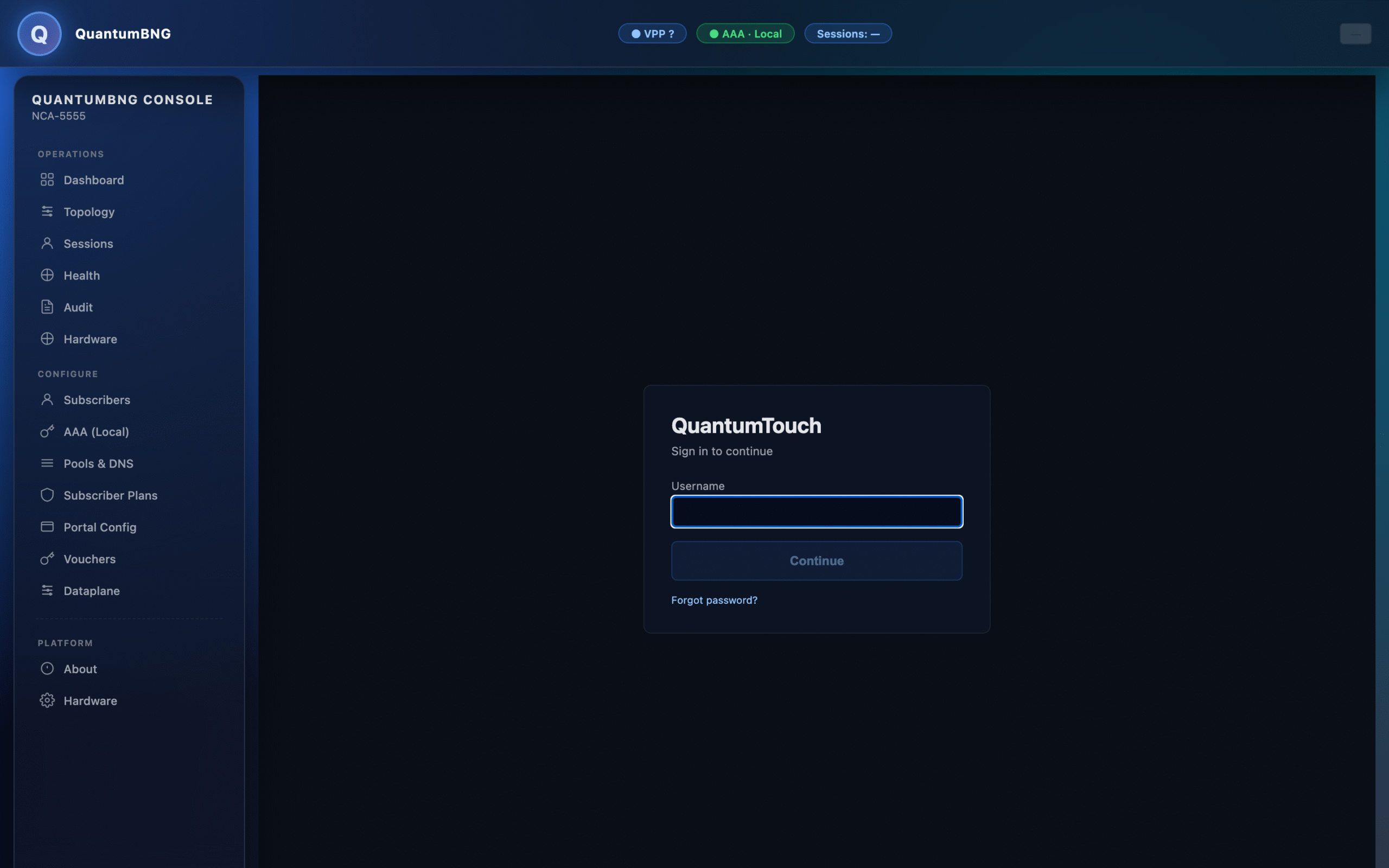
You'll see the login page:
Sign in with:
- Username:
admin - Password:
BluedotEval2026
The username is entered first, then a Continue button reveals the password field — a two-step flow that makes the login flow work uniformly whether local, SAML, or LDAP is configured.
First-run task: rotate this password. Click the account menu in the top-right (your username), pick Change password, and set a new one — at least 12 characters, at least one letter and one digit. The default password is public knowledge (in this guide), so don't leave it on any box that's reachable beyond your laptop.